Only webmasters can add new members to the platform. Group managers can only add new members to a group.
Members can be added one by one but if there are a lot of people to add, it's better to make a list of them and add them to the platform in one go.
- Go to Setup
- Members
- Click on + Members
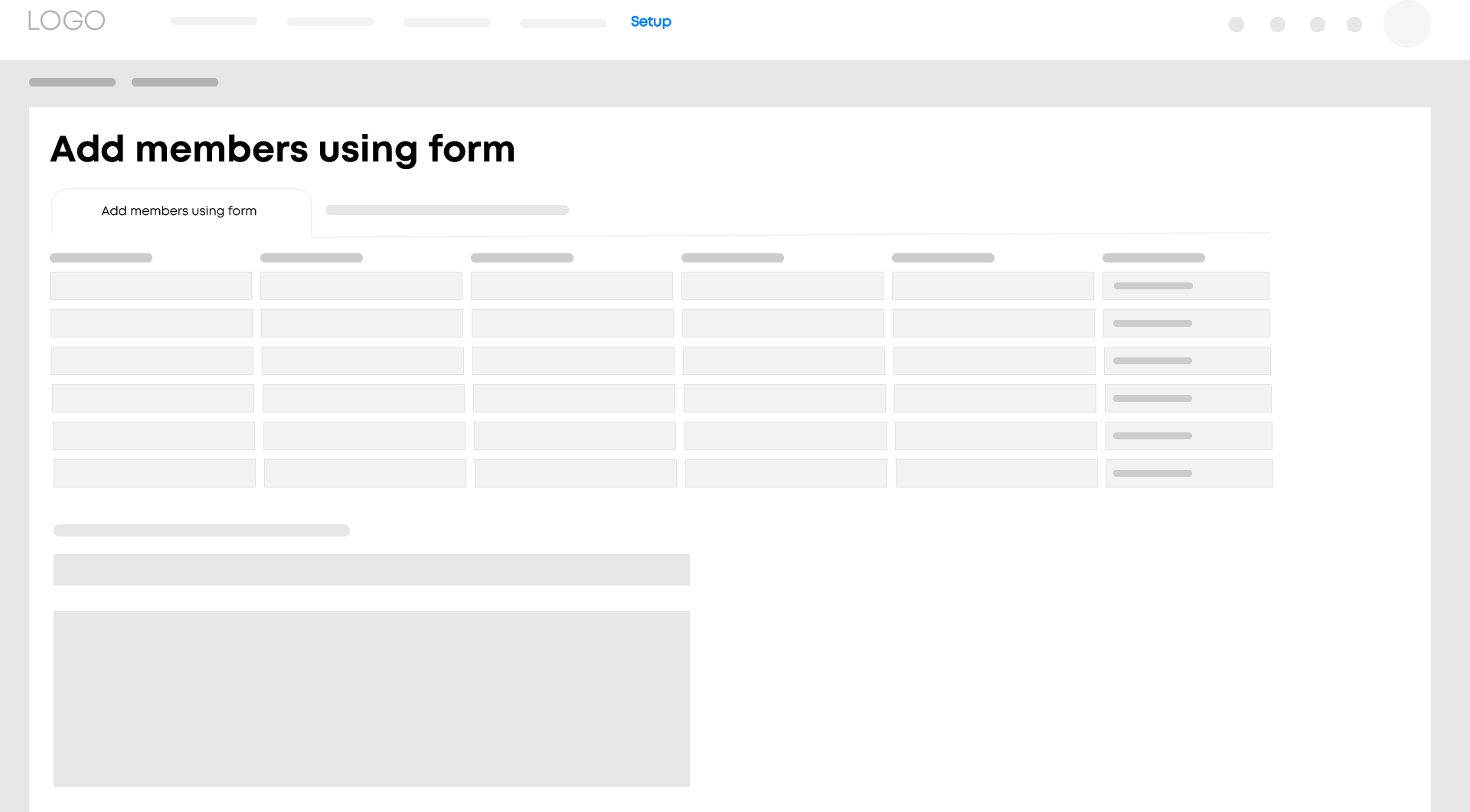
4. Choose the Import members using file tab
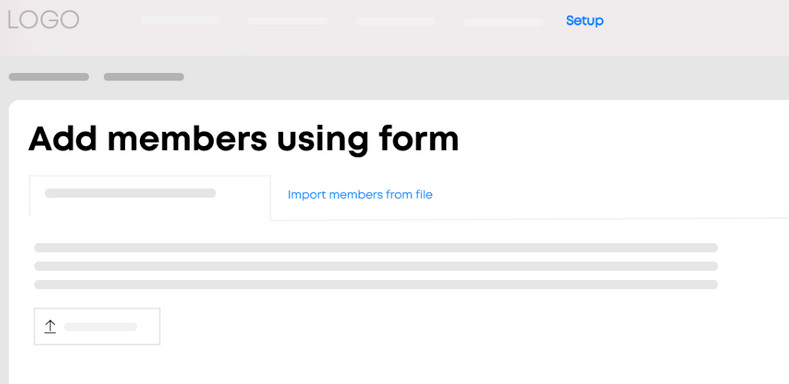
From this screen, you can add and/or update multiple members all in one go. To avoid duplicate entries, existing members are recognized by their email address.
File type
When adding members using a file, it is important that all the data is entered in that file correctly. You can download a template for this.
- Once the information has been entered in the file, it can be added to the platform.
Invite by email
Everyone listed in the file will receive an email containing an activation link to activate their account on the platform. If you do not want them to receive an email with the link just yet, uncheck this option. The email can always be sent later.
- The email sent to all members contains a default text. You can change the text before saving the list of members.
- Click on Next.
- The list of members is then displayed. Check whether everything is correct and click on Import.
- For each group, indicate which permissions the members on the list should have.
- Under the Member lists tab, the people on a list can also be added to these.
Tip
You can add people with different permissions to those on the list to the platform one by one, without using a list.